
[](https://github.com/FancyMcPlugins/FancyHolograms/releases/latest)
[](https://papermc.io/software/folia)
[](https://discord.gg/ZUgYCEJUEx)
[](https://github.com/FancyMcPlugins/FancyHolograms/releases/latest)
[](https://modrinth.com/plugin/fancyholograms)
[](https://www.codefactor.io/repository/github/fancymcplugins/fancyholograms/issues/main)
[](https://modrinth.com/plugin/fancyholograms)
[](https://hangar.papermc.io/Oliver/FancyHolograms)
Simple, lightweight and feature-rich hologram plugin for **[Paper](https://papermc.io/software/paper)** (
and [Folia](https://papermc.io/software/folia)) servers using [display entities](https://minecraft.wiki/w/Display)
and packets.
## Features
With this plugin you can create holograms with customizable properties like:
- **Hologram Type** (text, item or block)
- **Position**, **Rotation** and **Scale**
- **Text Alignment**, **Background Color** and **Shadow**.
- **Billboard** (fixed, center, horizontal, vertical)
- **MiniMessage** formatting.
- Placeholders support through [PlaceholderAPI](https://github.com/PlaceholderAPI/PlaceholderAPI)
and [MiniPlaceholders](https://github.com/MiniPlaceholders/MiniPlaceholders) integration.
- [FancyNpcs](ttps://github.com/FancyMcPlugins/FancyNpcs) integration.
- ...and much more!
Check out **[images section](#images)** down below.
## Installation
Paper **1.19.4** - **1.21.4** with **Java 21** (or higher) is required. Plugin should also work on **Paper** forks.
**Spigot** is **not** supported.
### Download (Stable)
- **[Hangar](https://hangar.papermc.io/Oliver/FancyHolograms)**
- **[Modrinth](https://modrinth.com/plugin/fancyholograms)**
- **[GitHub Releases](https://github.com/FancyMcPlugins/FancyHolograms/releases)**
### Download (Development Builds)
- **[Jenkins CI](https://jenkins.fancyplugins.de/job/FancyHolograms/)**
- **[FancyPlugins Website](https://fancyplugins.de/FancyHolograms/download)**
## Documentation
Official documentation is hosted **[here](https://fancyplugins.de/docs/fancyholograms.html)**. Quick reference:
- **[Getting Started](https://fancyplugins.de/docs/fh-getting-started.html)**
- **[Command Reference](https://fancyplugins.de/docs/fh-commands.html)**
- **[Using API](https://fancyplugins.de/docs/fh-api.html)**
**Have more questions?** Feel free to ask them on our **[Discord](https://discord.gg/ZUgYCEJUEx)** server.
## Developer API
More information can be found in **[Documentation](https://fancyplugins.de/docs/fh-api.html)**
and [Javadocs](https://fancyplugins.de/javadocs/fancyholograms/).
### Maven
```xml
fancyplugins-releases
FancyPlugins Repository
https://repo.fancyplugins.de/releases
```
```xml
de.oliver
FancyHolograms
[VERSION]
provided
```
### Gradle
```groovy
repositories {
maven("https://repo.fancyplugins.de/releases")
}
dependencies {
compileOnly("de.oliver:FancyHolograms:[VERSION]")
}
```
## Building
Follow these steps to build the plugin locally:
```shell
# Cloning repository.
$ git clone https://github.com/FancyMcPlugins/FancyHolograms.git
# Entering cloned repository.
$ cd FancyHolograms
# Compiling and building artifacts.
$ gradlew shadowJar
# Once successfully built, plugin .jar can be found in /build/libs directory.
```
## Images
Images showcasing the plugin, sent to us by our community.
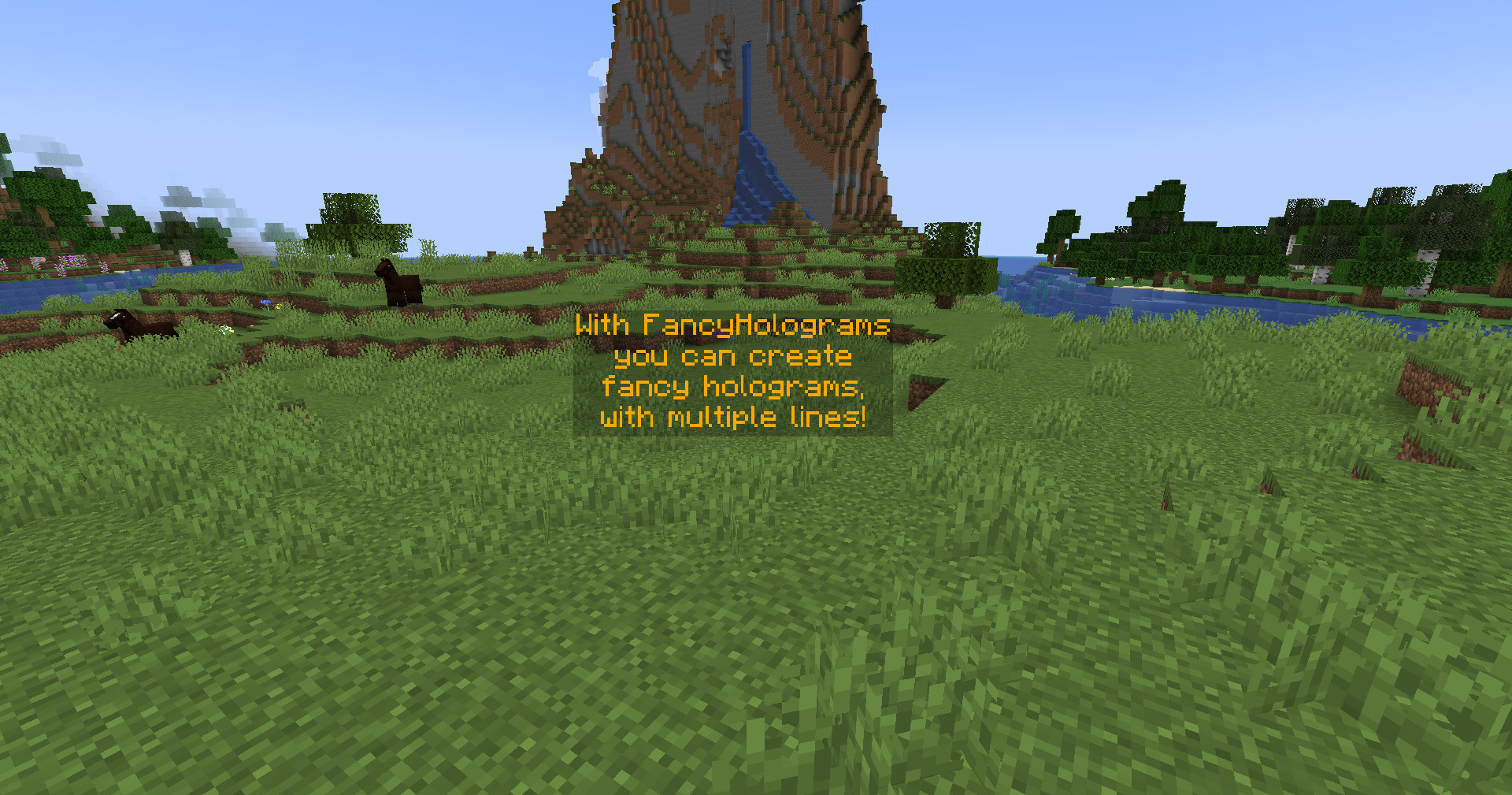
Provided by [@OliverSchlueter](https://github.com/OliverSchlueter)
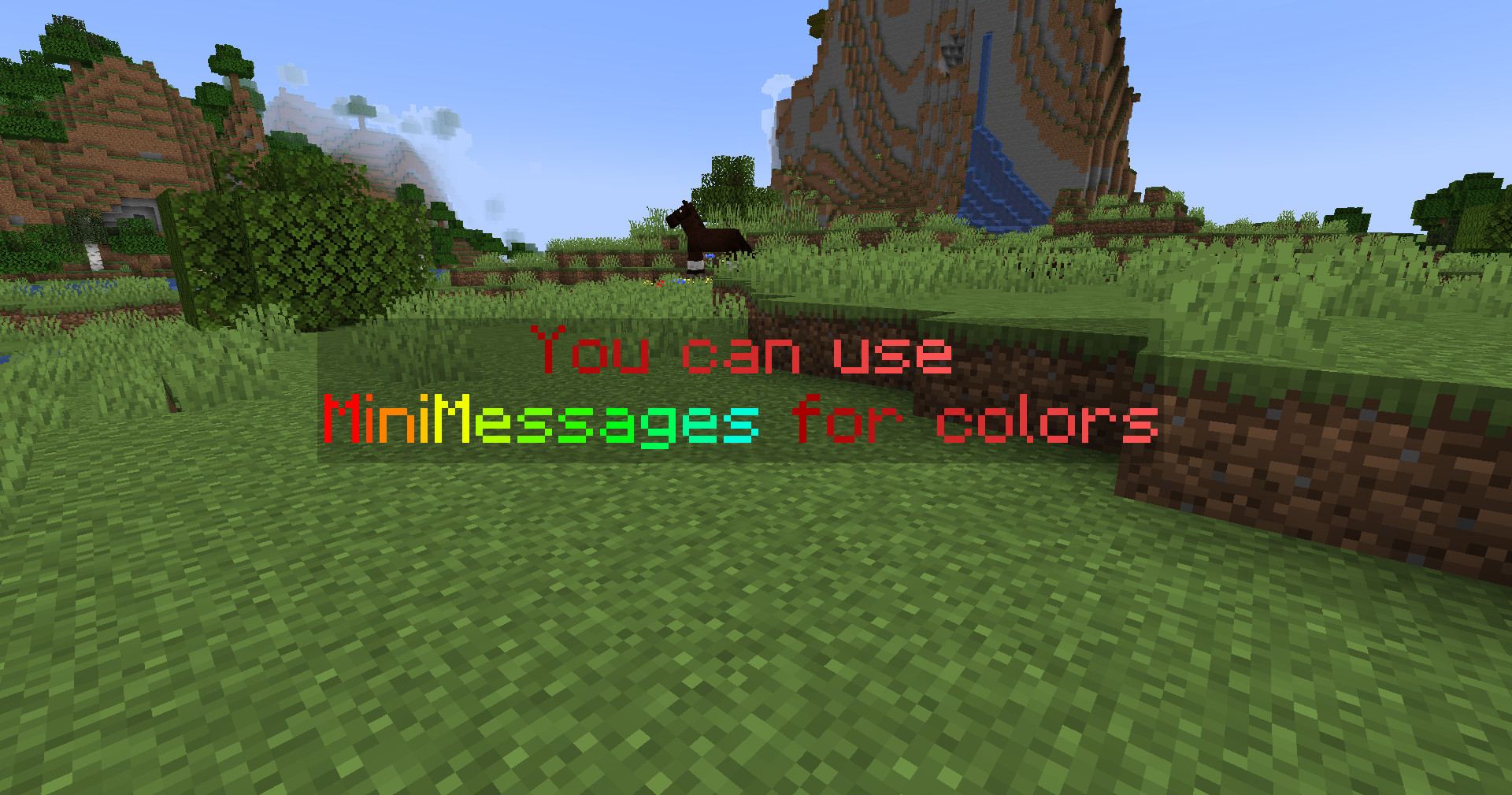
Provided by [@OliverSchlueter](https://github.com/OliverSchlueter)
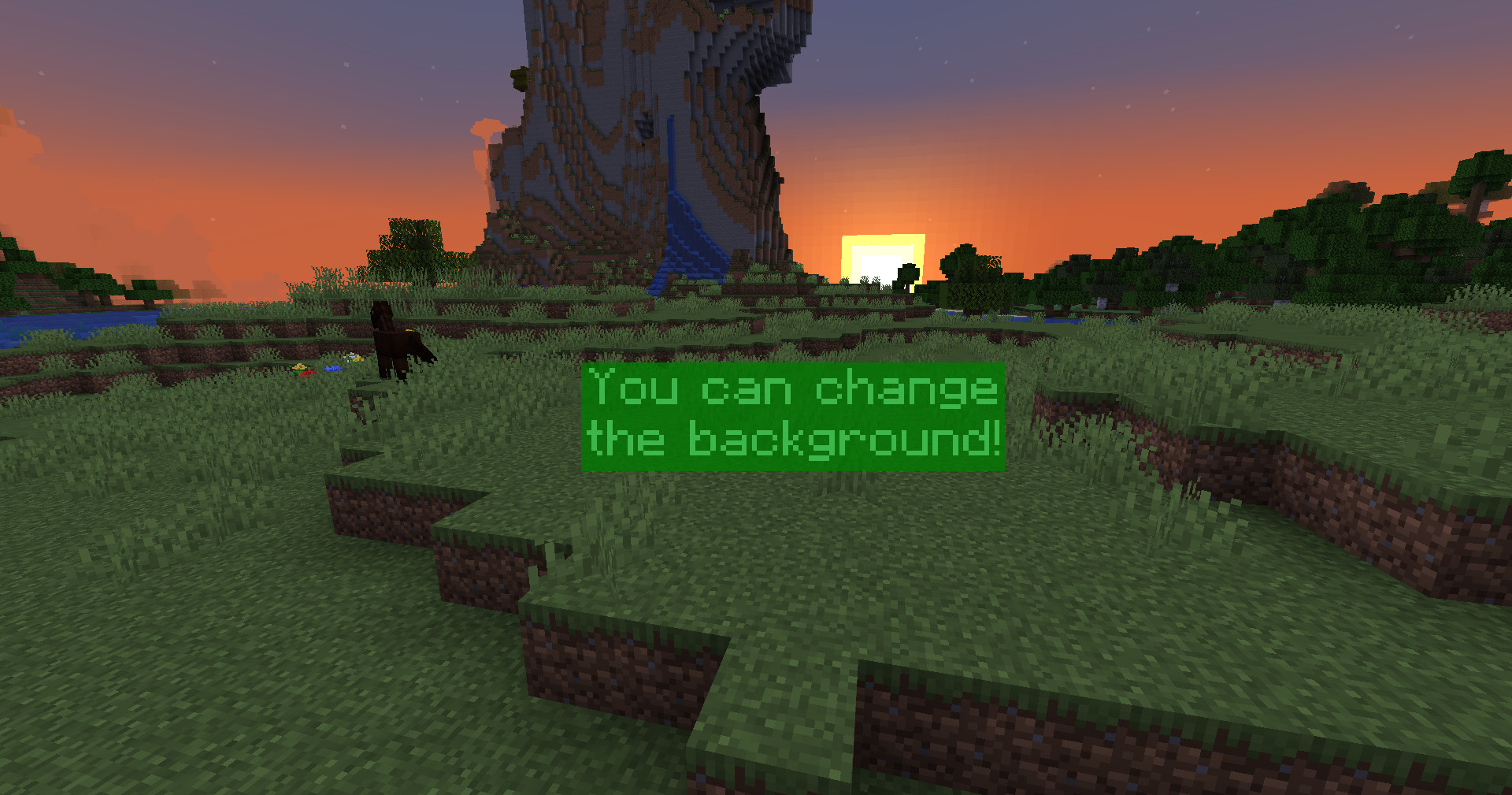
Provided by [@OliverSchlueter](https://github.com/OliverSchlueter)

Provided by [@OliverSchlueter](https://github.com/OliverSchlueter)
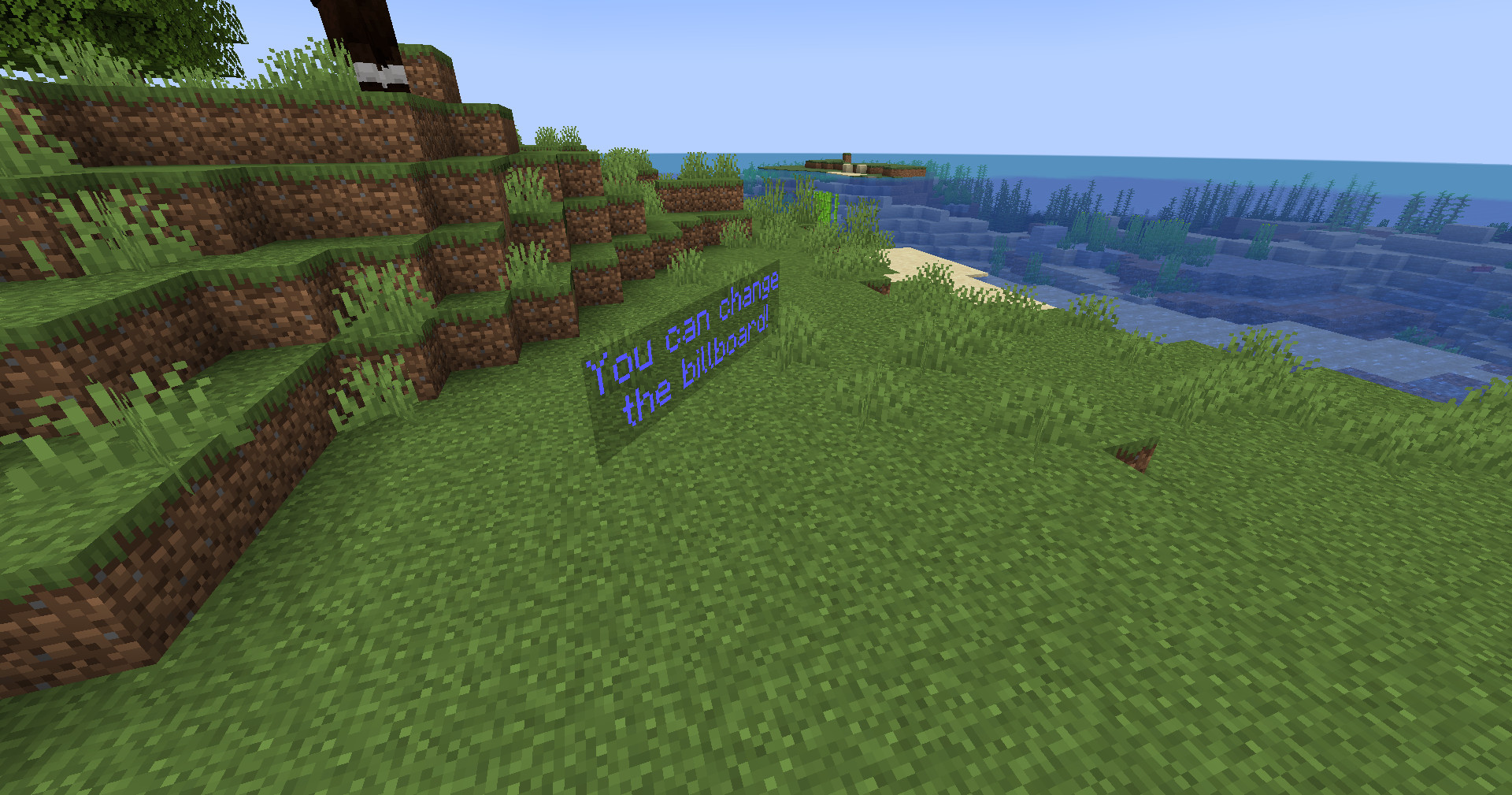
Provided by [@OliverSchlueter](https://github.com/OliverSchlueter)